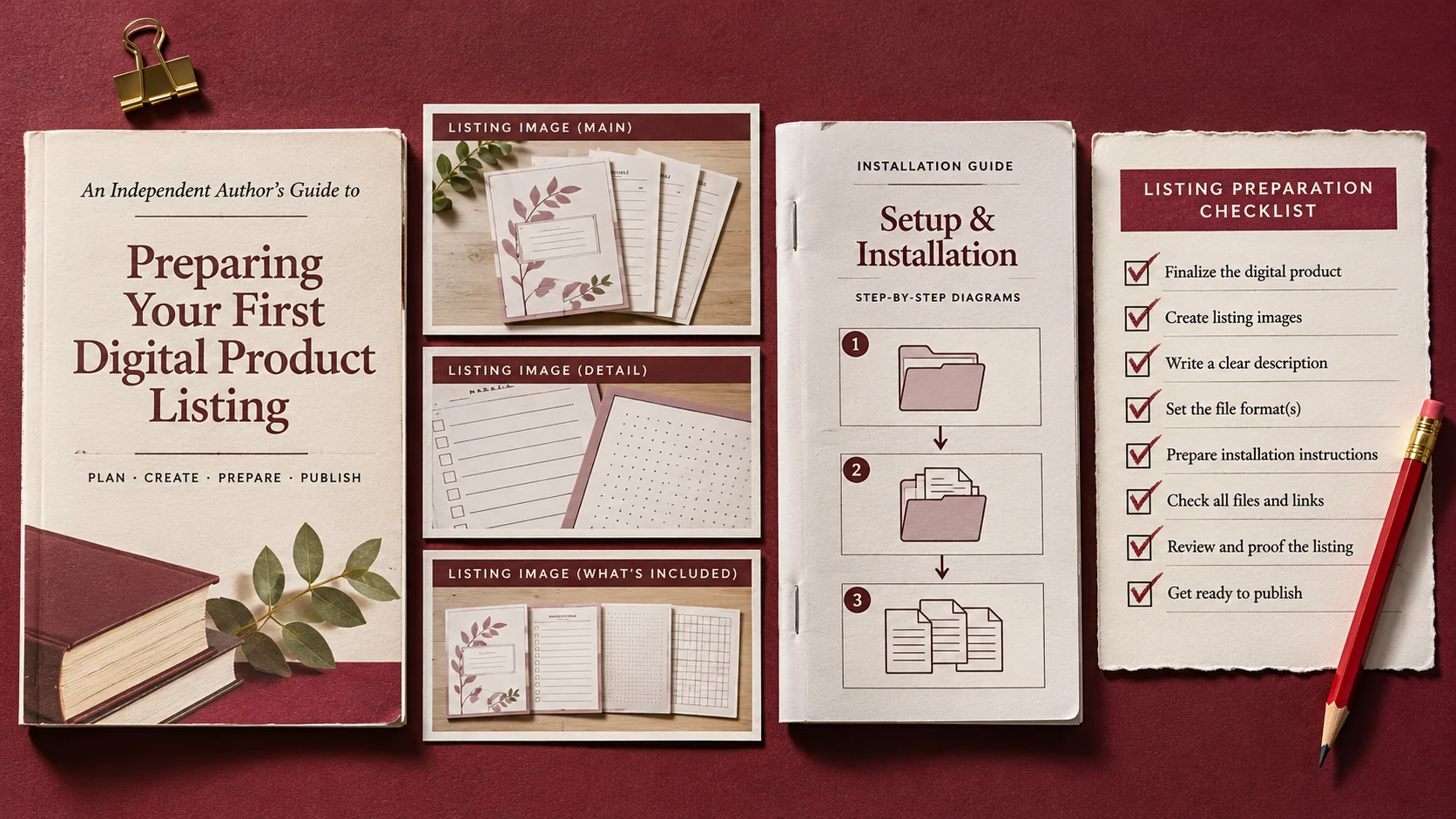
Your first marketplace listing needs to answer the questions a buyer would ask if you were sitting next to them. What does the product do? Can I run it? What will I receive, and what happens when I need to set it up or update it?
Use the following workflow to prepare your product archive, demonstrate the features that matter and write a listing you can keep up to date after launch.
Describe the job the product helps someone do
Start with the buyer and the task. “A PHP tool for managing customer bookings and sending confirmation emails” tells someone what they can accomplish. Use your short description for that one clear promise. In the full description, show the work in order, from setting up a service to taking the first booking and managing a change.
Be specific about the features available in the release you are submitting. If a payment option or integration is planned, leave it out of the feature list until buyers can use it. Keep the description focused on the item being listed. Codetsy listing descriptions are for that product, so leave freelance offers and promotions for other items out of the copy.
Write requirements a buyer can verify
List conditions for a successful install. For a script, cover the PHP and database versions you have tested, any required extensions, and whether setup needs terminal access or scheduled jobs. For a WordPress product, list the WordPress and PHP versions you have checked, the editor or page builder it expects, and any required plugins. For a template, say which files are editable and which tools are needed to rebuild the output.
Be clear about optional services. If the product can run without a third-party mail or payment account but certain features need one, name the affected features. Give users enough information to check those services before they download the item. If an integration only works in a particular environment, put that beside the compatibility information rather than burying it in release notes.
Package a release someone else can install
Build the download from a clean copy of the release. Separate the installable files from the documentation and clearly label any sample configuration. Check that the archive excludes credentials, private keys, production data, debug logs and customer information. If third-party fonts, images or libraries ship with the product, include the required notices and make clear which preview assets come with the download.
Open the final compressed file on another machine or in a fresh test environment. Follow your own instructions from the first step. Installing from a source checkout can hide a missing dependency or an extra file that never made it into the archive. Record the version you tested and use that version in the download and release notes.
Write the first-run instructions
Start with a short path to the first successful result. List what the buyer must have ready, explain which files to upload or install, and show where initial settings belong. For a dashboard product, describe the first login and how to do one ordinary task. For a theme, explain which files to upload and how to set its homepage and menus.
Keep common problems near the step where they occur. Give the reader a check they can perform, such as confirming the PHP version selected for the site or checking that a required plugin is active. Include an upgrade section that covers backups, migrations or other steps relevant to your product. Good documentation helps a buyer tell the difference between a missing requirement and an issue they should report.
Show the workflows that matter
Use screenshots from the version you are submitting. Show one clear result per image, such as the dashboard, a completed checkout or the mobile view. Use realistic sample labels so buyers can picture their own work. Take care that names, email addresses and records in the screenshots are made up.
If you offer a live demo, make the task you want buyers to try easy to find. Test the link from a signed-out window and on a phone. Explain any demo constraints on the listing. If it resets regularly or blocks actions such as sending email, readers should know that before trying to complete a workflow.
Set expectations for licences and support
Choose the licence options that fit the item and read the Codetsy Licence Terms. A buyer should be able to tell what they receive, which files are included and where the licence applies. If the demo depends on separate assets or paid services, say so in the listing.
Check the support details shown on the product. Think through what you can handle after the first sale and write instructions for reporting an issue. Useful details include the product version, environment, the steps the buyer tried and what they expected to see. Ask buyers to exclude passwords and private credentials from screenshots or messages.
Review the listing as if you were buying it
Open the preview and read it in this order. Does the title match the product? Can you work out which version you need? Do the screenshots and description match the archive? Is there a clear first step after downloading? Check release notes, category and tags as well. Ask someone who has never installed the item to follow your guide and tell you where they stopped to ask a question. Fix that point before submitting.
If you are ready to set up your seller account, see Start Selling on Codetsy. Authors, what part of preparing your first release took the most time? Share it in the comments so we can put together more guidance.
Comments
No comments yet.
Sign In to Comment