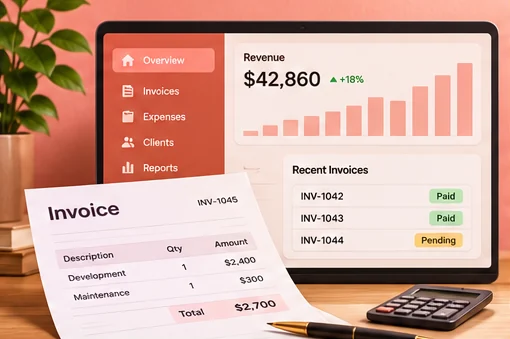
PHP Scripts
Applications, scripts and tools that solve a practical problem.
Sell on Codetsy
Publish scripts, themes, plugins and templates. Set your licence prices and let Codetsy handle checkout and secure downloads.
Already have an account? Sign In to Apply
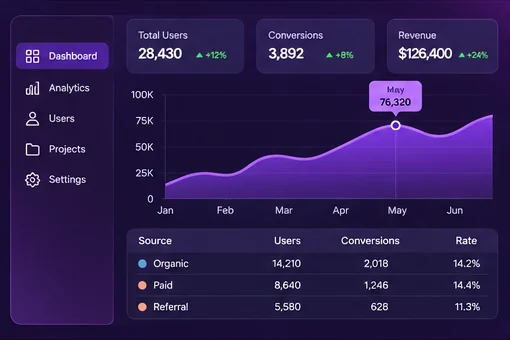
Choose Standard and Extended licence prices where available. The marketplace commission is 25% of your licence price. Any buyer fee is added separately at checkout.
View Fees and Pricing
Applications, scripts and tools that solve a practical problem.
WordPress themes for sites, shops and publishing.
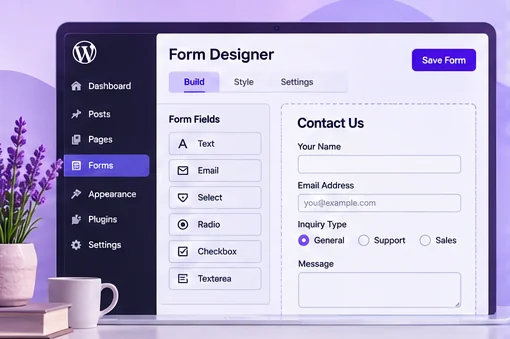
Plugins and add-ons that extend WordPress or WooCommerce.
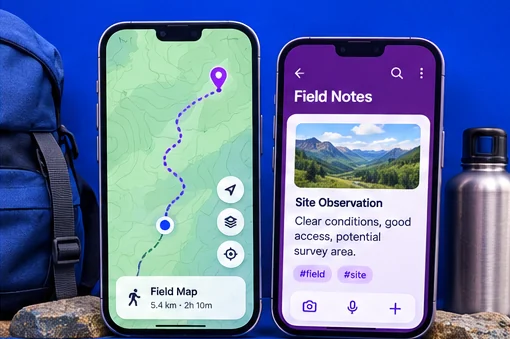
Mobile app source code, UI kits and starter templates.
One marketplace account is enough. If you already buy products here, you can apply from that account.
Verify your email, then tell us what you build and what you plan to sell.
Once approved, set up your payout details and add a description, prices and preview images.
Upload the product ZIP and documentation. Your listing is reviewed before it goes live.
Use the Seller Dashboard to check earnings, reply to buyers and submit new releases.
A buyer should be able to tell what’s included, what it works with and how to get started.
No. Sign in to your existing account and submit a seller application. You can keep using your buyer account while we review it.
Stripe handles payouts for Stripe sales. Eligible PayPal balances are paid on the marketplace schedule when automatic payouts are available. Your Seller Dashboard shows your payout status.
See the Licence Terms for the permitted uses under each licence.
Yes. Submit a new release from your Seller Dashboard. The approved version remains available while your update is reviewed.
Tell us what you build to get your seller application started.