
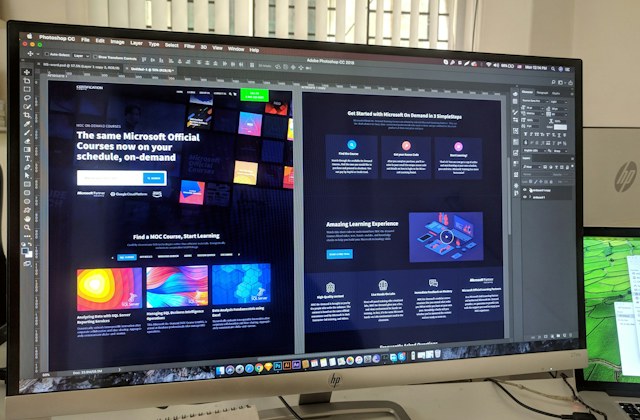
The right starting point depends on what you are building and the tools you already use. A visual design file, an HTML template and a WordPress theme can look similar in a preview, but they serve different purposes.
Start with your platform
Use a WordPress theme for a WordPress site, an HTML template when you plan to work with front-end code, or a UI template when you need design source files. A plugin adds functionality to a compatible platform; it does not usually replace the theme.
Read the technical requirements
Check supported versions, hosting requirements, required plugins and external services. Confirm whether paid tools or subscriptions are needed separately. Ask the author about any missing compatibility details before buying.
Compare the preview with the download
Look for a list of included files and clear installation instructions. Demo photographs, fonts or sample content may be shown for illustration without being included. Test a live demo on the devices and screen sizes that matter to your project.
Review licence and support details
Read the licence offered for the item and the stated support scope. Confirm whether your intended use is covered and whether installation or custom work is included. Keep a record of the requirements you checked so your development team can use the purchase confidently.
Explore the category directory to find the right type of product.
Comments (0)