
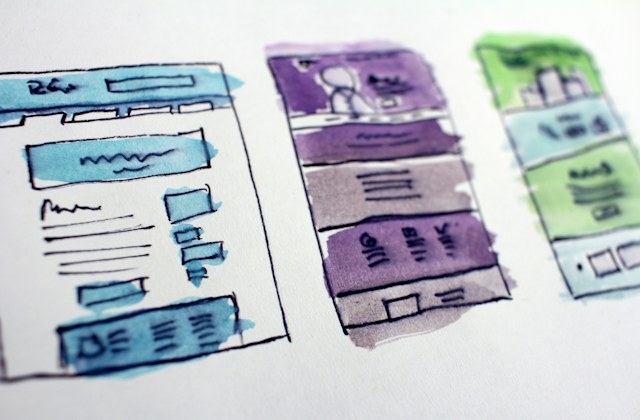
A short project brief makes it easier to choose a useful theme or template. Before comparing designs, write down what the site needs to achieve and who it is for.
Map the essential pages
List the pages your visitors need: a homepage, service or product pages, contact information and any account or checkout pages. Sketch the main journey from arrival to the action you want a visitor to take.
Prepare the content
Gather your logo, product images and draft copy. Check that you have permission to use every image. Real content often reveals whether a layout has enough space for your headings, descriptions and calls to action.
Separate essential features from preferences
Identify requirements such as search, filtering, multilingual content or eCommerce. Then list visual preferences such as colours and typography. This helps you avoid choosing a design that looks right but cannot support the project.
Plan for ongoing maintenance
Record the software versions and integrations you will rely on. Choose products with clear documentation and check their update information. Keep a backup before installing updates and test important journeys after changes.
Use the brief to compare options consistently. A well-chosen starting point should support your content, your visitors and the people maintaining the finished site.
Comments (0)